Workflow for fixing a bug
This workflow describes the steps to have in your head when you are fixing a bug in the project.
Steps for fixing bugs.
You can try to follow these steps if possible, not all bugs are the same and therefore some steps are not possible or not relevant for your situation.
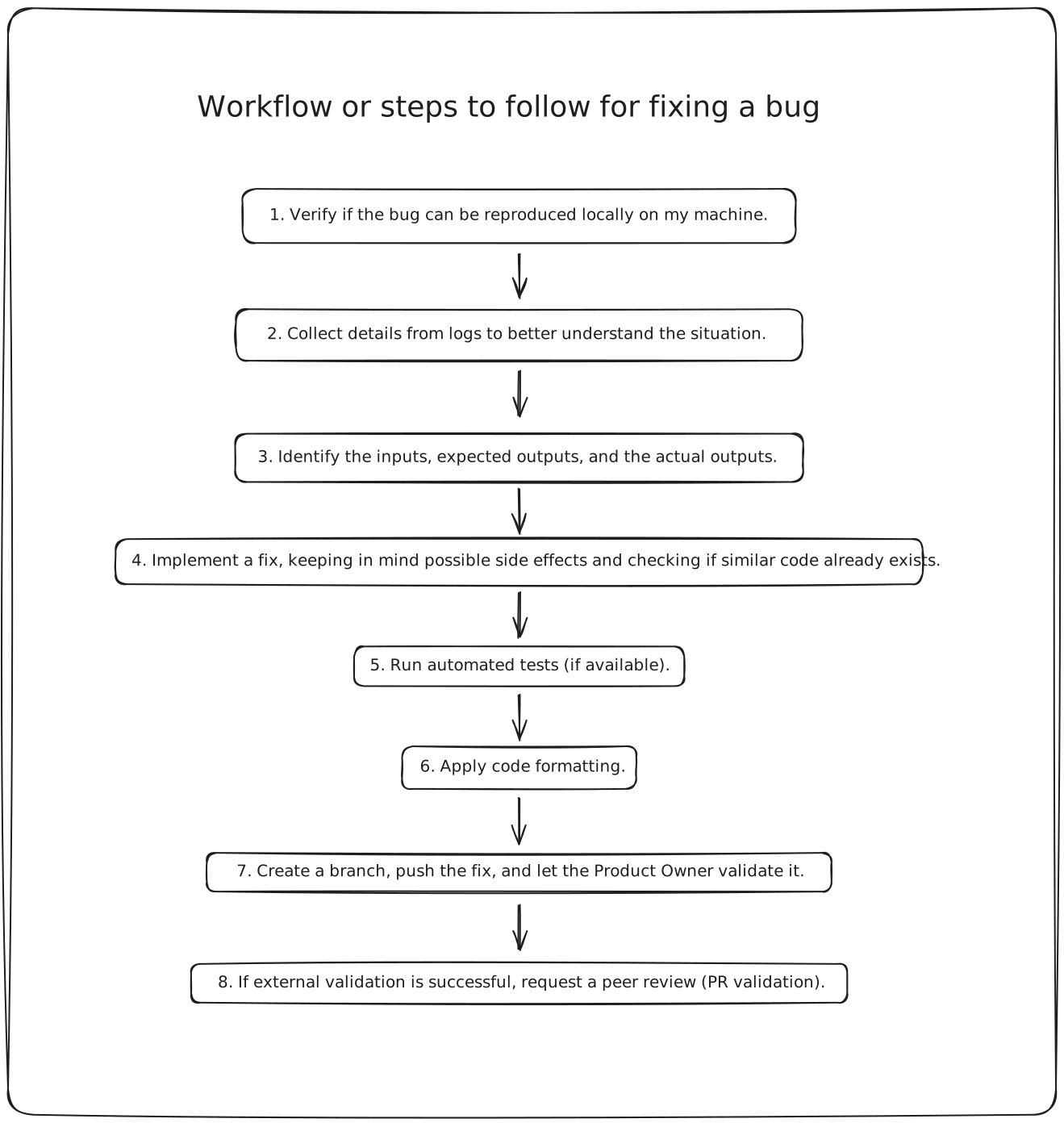
- Verify if the bug can be reproduced locally on my machine.
- Collect details from logs to better understand the situation.
- Identify the inputs, expected outputs, and the actual outputs.
- Implement a fix, keeping in mind possible side effects and checking if similar code already exists.
- Run automated tests (if available).
- Apply code formatting.
- Create a branch, push the fix, and let the Product Owner validate it.
- If external validation is successful, request a peer review (PR validation).
It is always easier if you can reproduce the bug locally on your machine because it allows you to implement the fix and test it straight away in your environment. If you can't reproduce it, try to get more information from the user who reported the bug.
Look for error messages, stack traces, or any other relevant information in the logs that can help you understand the context of the bug.
Clearly define what inputs are being used, what the expected outputs should be, and what the actual outputs are. This will help you pinpoint where the issue lies.
When implementing a fix, consider how it might affect other parts of the codebase. Look for similar code that might also need to be updated.
If there are automated tests for the affected code, run them to ensure that your fix doesn't break anything.
Most of the time your team will have a linter set for the project. Make sure to run it before pushing your changes.
Make sure to follow the branching strategy defined in the project. Once the fix is pushed, inform the Product Owner so they can review and validate the changes.
Once you have the external validation, create a pull request using github or any tools that your team is using and ask a review from your peers.